Masterpiece · Jacques-Louis David, 1801
Your own Napoleon Crossing the Alps
On a rearing horse, cloak flying, pointing the way over the mountain pass.
Upload one photo and Regalia paints you in this style in about a minute, with your face unmistakably yours. Then ask the painter for changes until it is right.
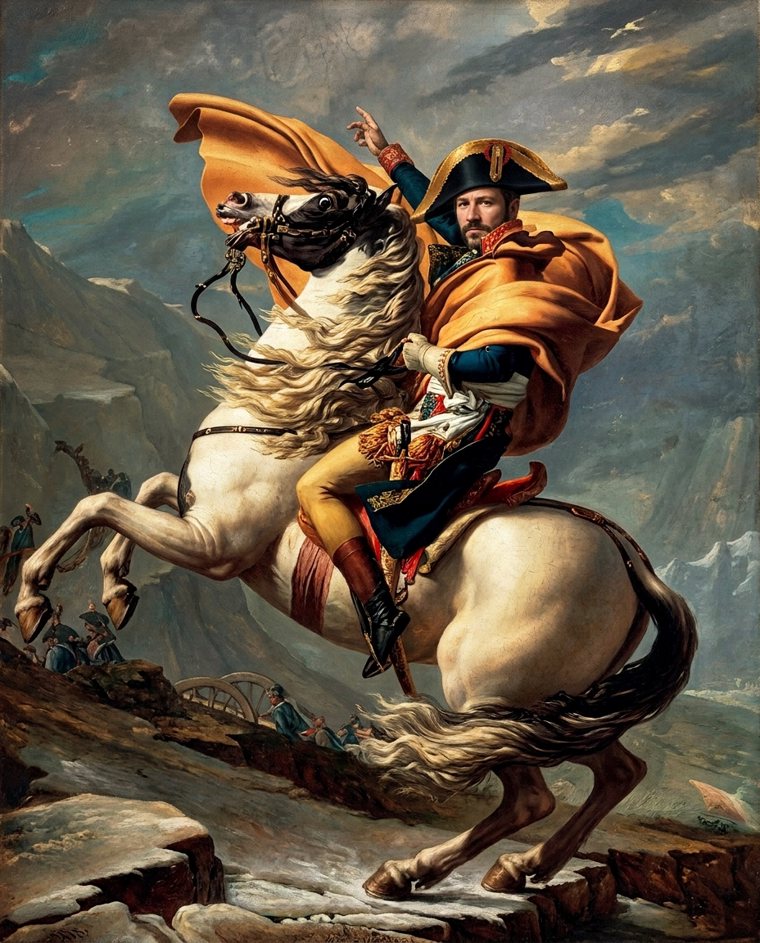

The original
Jacques-Louis David's Napoleon Crossing the Alps (1801).
The rider on a rearing white horse, one arm pointing upward, a billowing golden-orange cloak, a bicorne hat, a blue uniform, stormy alpine rocks.
Your version
Regalia paints the whole picture again with you as the sitter: the pose, the clothes, the background and the brushwork of the original, with your face. One clear photo is enough, and you can add up to three of the same person for a truer likeness.
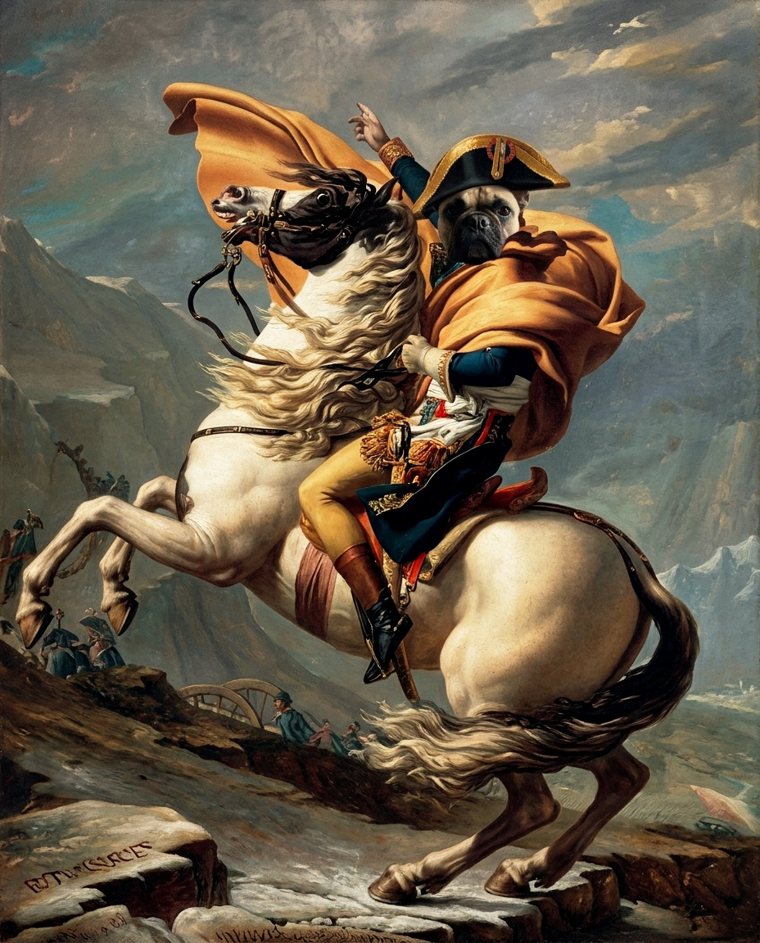
Your pets too
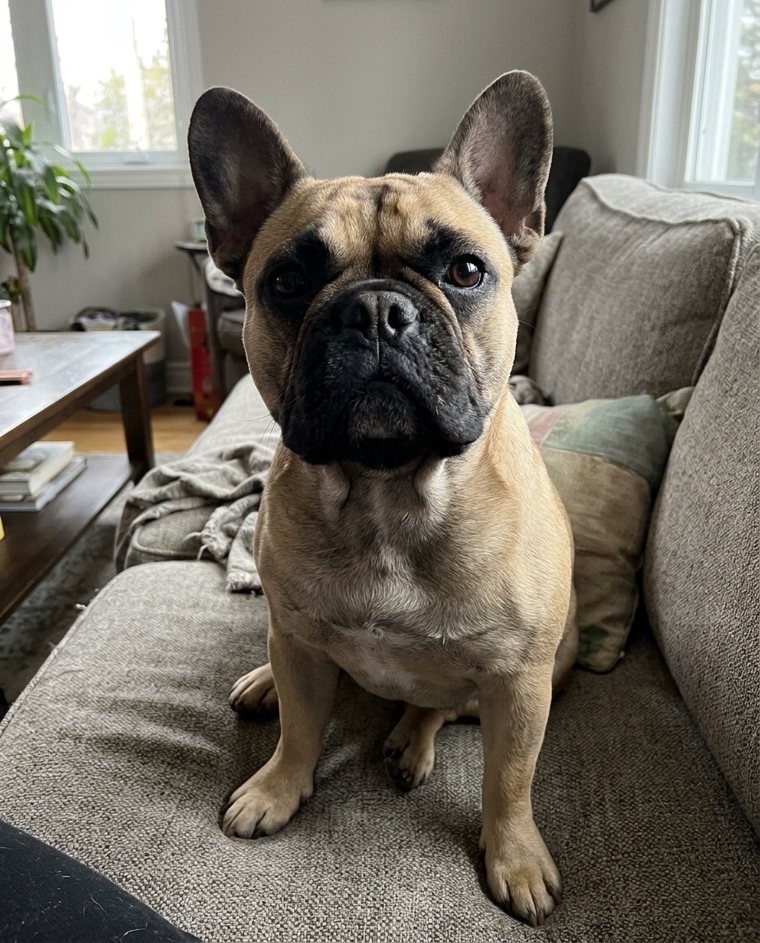
Napoleon Crossing the Alps, with your pet as the sitter.
Choose “A pet” when you upload its photo. Dogs, cats, rabbits, horses: the painter keeps the breed, the coat and every marking, and dresses it for the court the way the royal pet portraits of old did.
Paint my petThree steps, about a minute.
-
1
Upload a photo
A clear, well-lit photo of one person facing the camera, or of your pet. A phone photo is fine.
-
2
Choose the details
For a court or an age, pick the dress and the medium. Add a detail if you like: a falcon, an emerald robe, a garden.
-
3
Receive your portrait
Watch it appear in its frame, then download the file to share, print or give.
More masterpieces
Every style →-
Girl with a Pearl Earring
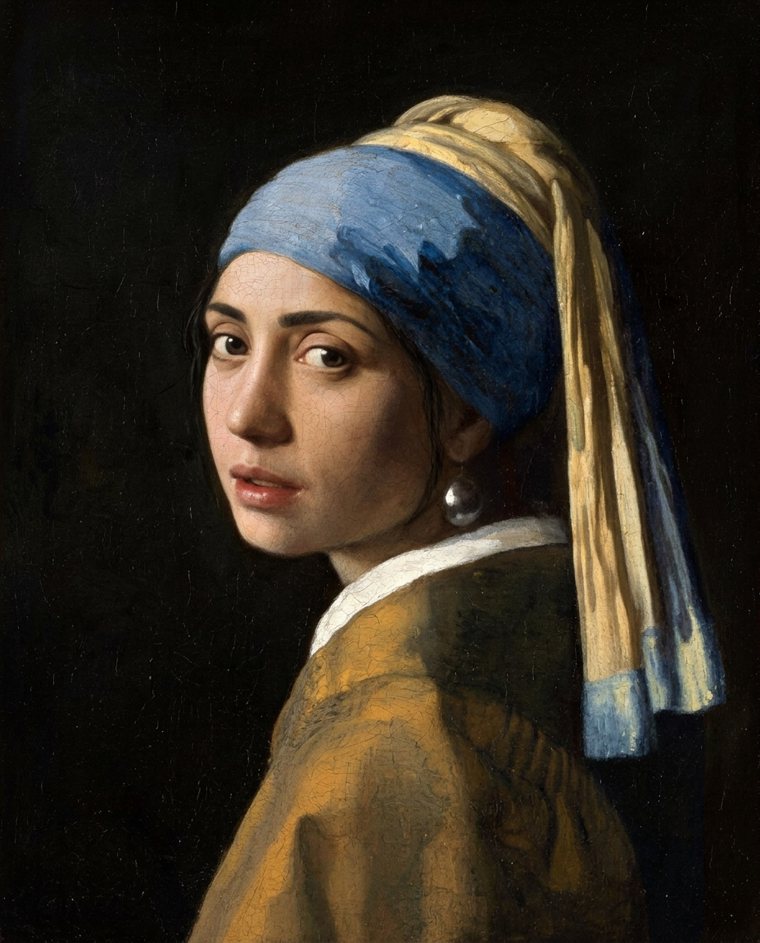

Girl with a Pearl Earring
Johannes Vermeer, c. 1665
-
Mona Lisa
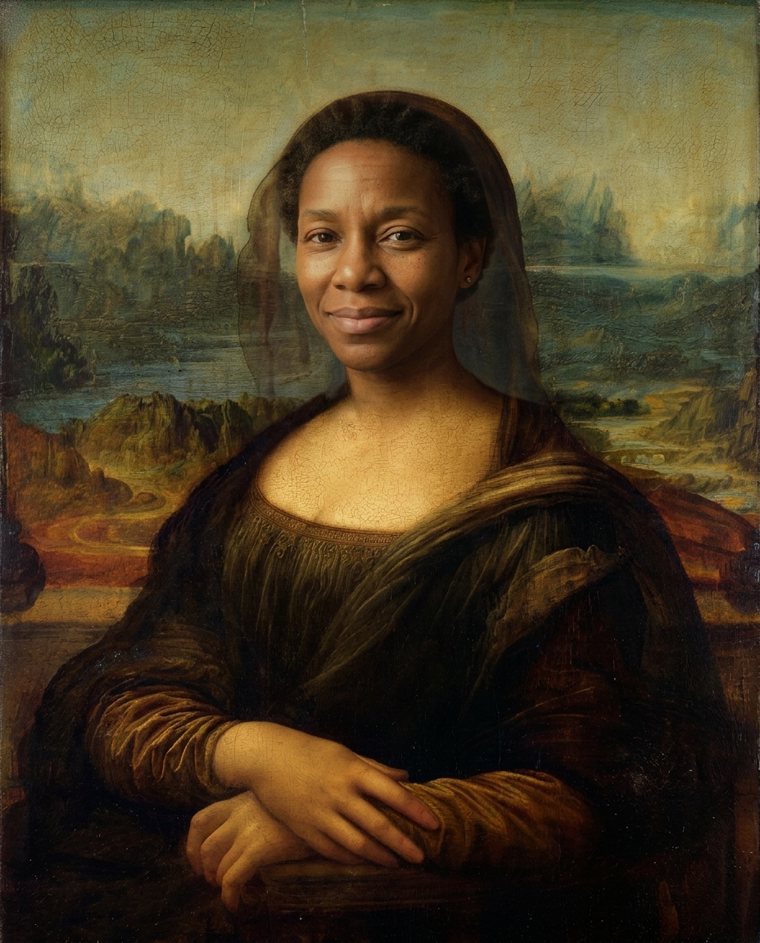

Mona Lisa
Leonardo da Vinci, c. 1503
-
Van Gogh Self-Portrait
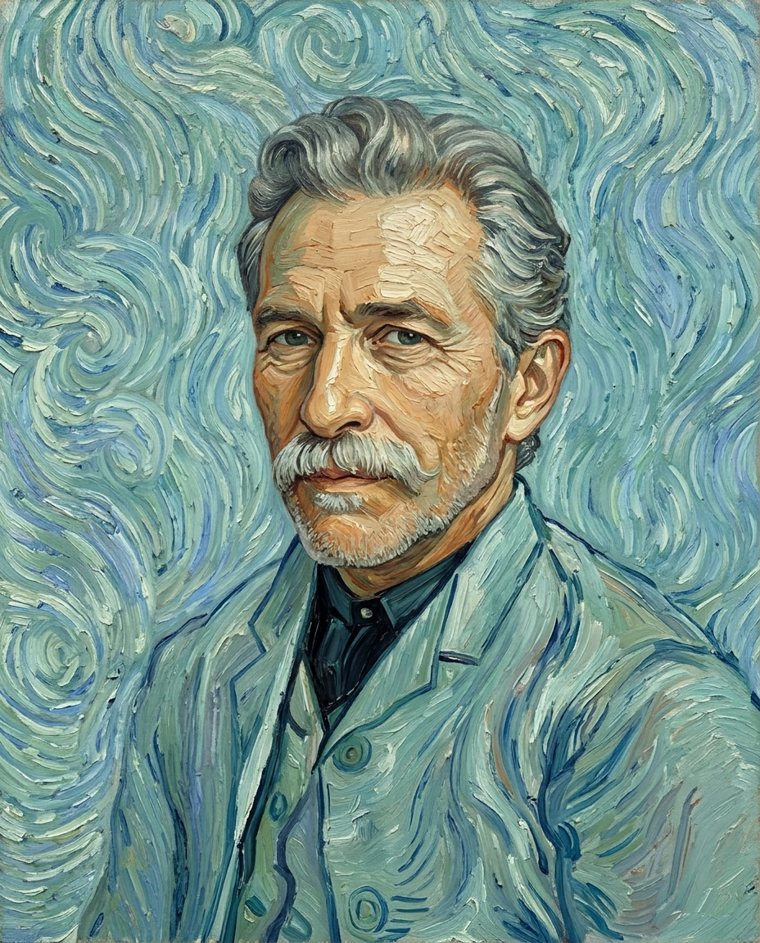

Van Gogh Self-Portrait
Vincent van Gogh, 1889
-
Portrait in Gold
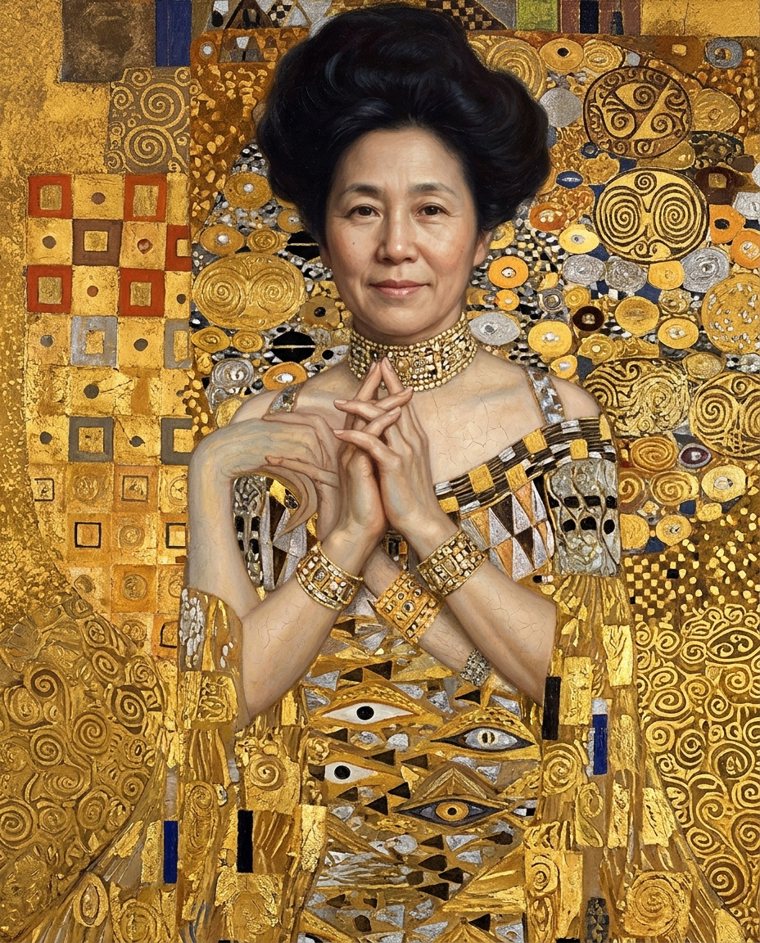

Portrait in Gold
After Gustav Klimt, 1907
-
The Laughing Cavalier
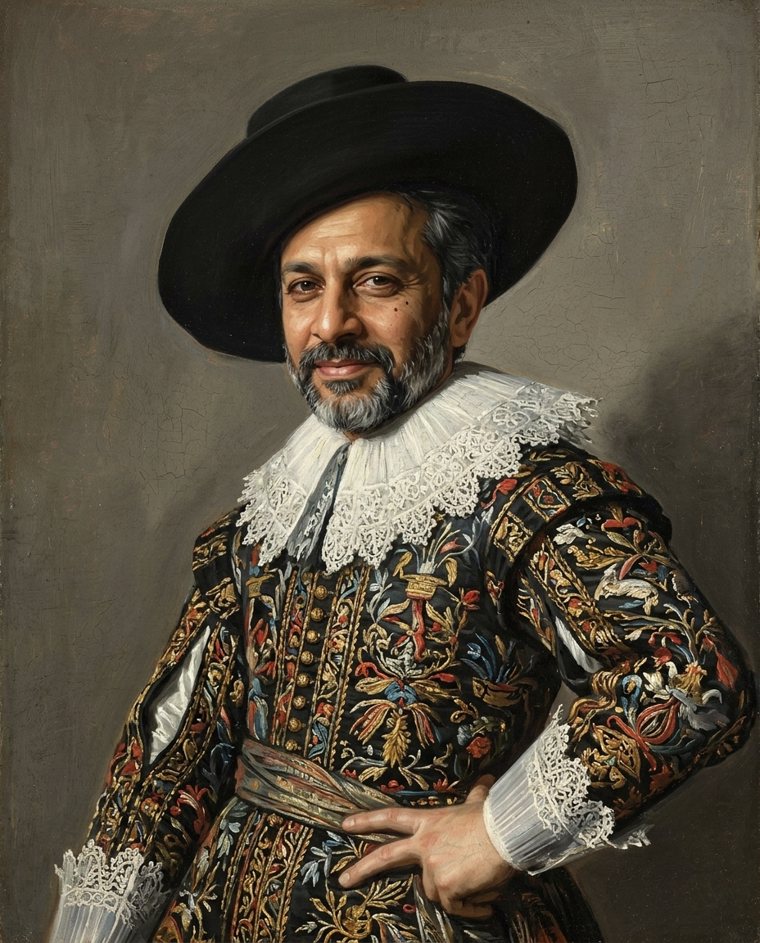

The Laughing Cavalier
Frans Hals, 1624
-
The Scream
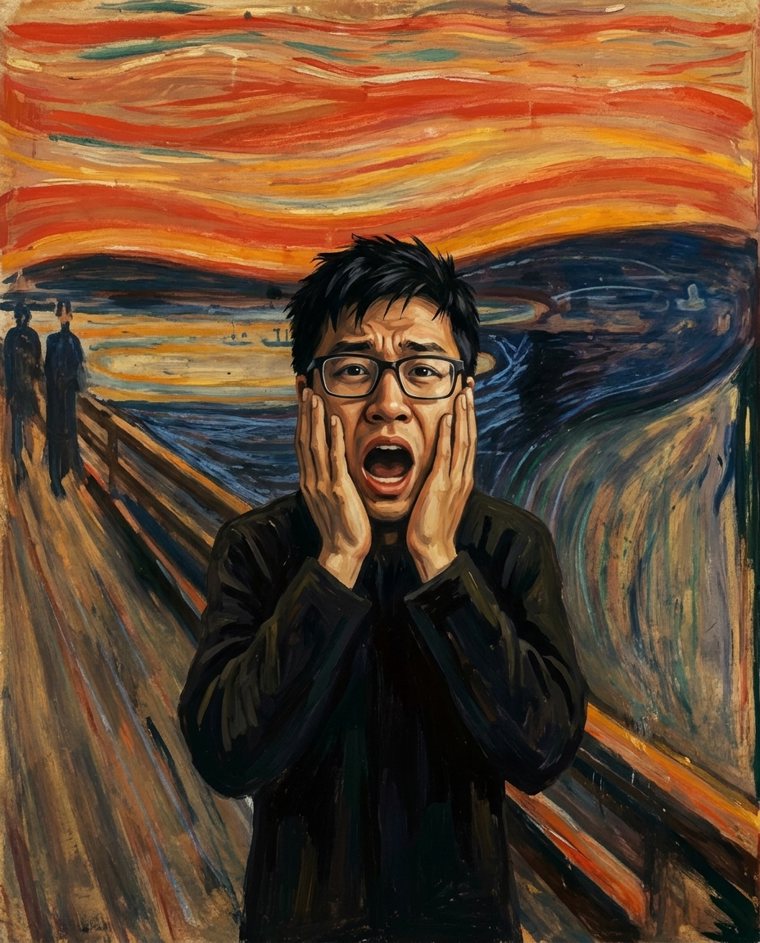

The Scream
Edvard Munch, 1893